Copy CD/DVD data
We save all readable data from your disc to a USB flash drive, external drive or Google Drive.
Services and prices
If a disc reads poorly, freezes or fails to copy, we inspect the surface, polish it when needed and recover the files with specialized reading software.
We save all readable data from your disc to a USB flash drive, external drive or Google Drive.
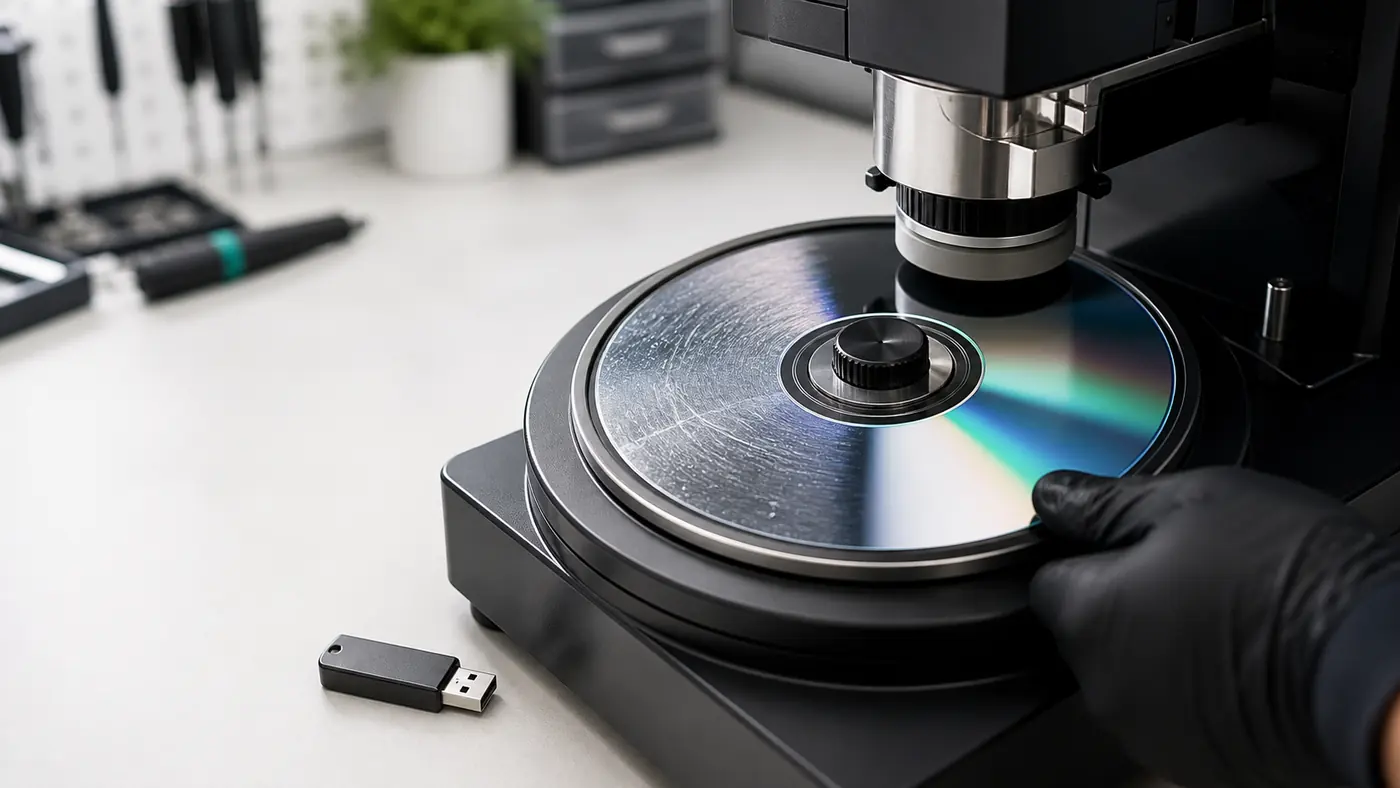
We polish the readable side on a resurfacing machine, then read the disc again and transfer the result to your chosen media.
When polishing helps
Optical discs can last for years, but scratches, dust and poor storage prevent drives from tracking the data path. Video may freeze, music may skip and files may copy with errors.
We gradually remove the damaged surface layer and bring the disc as smooth as possible. Deep scratches can often be reduced if the data layer is intact.
Process
We receive and inspect the disc, clean it, check the data layer, polish in 1-4 controlled passes and then extract files using specialized software.
The customer brings the disc to our office or sends it via Omniva, DPD or Itella.
We check for cracks, deep scratches, printed-side damage and center-ring condition.
We remove dust and dirt so the disc is not damaged further during treatment.
If the data layer is damaged, we explain honestly that recovery may not be possible.
We remove the damaged layer gradually and only as much as the specific disc requires.
After every pass we inspect the surface and decide whether another polishing round is needed.
We use specialized reading software with repeated attempts on problematic areas.
We copy files to your media, our USB flash drive or Google Drive.
Limitations
Storage media
USB flash drive, external drive or another USB storage device you bring with the disc.
64 GB - 12 €
128 GB - 19.90 €
7.90 €. Download link is valid for 1 month.
Sending a disc
You can come during working hours without booking. Mustika Keskus offers up to 4 hours of free parking when parking time is set with a parking clock.
Shipping and return costs are paid by the customer.
Contact
Mon-Fri 10:00-18:00
Tell us how many discs need checking, what kind of files they contain and where you want the recovered data saved.